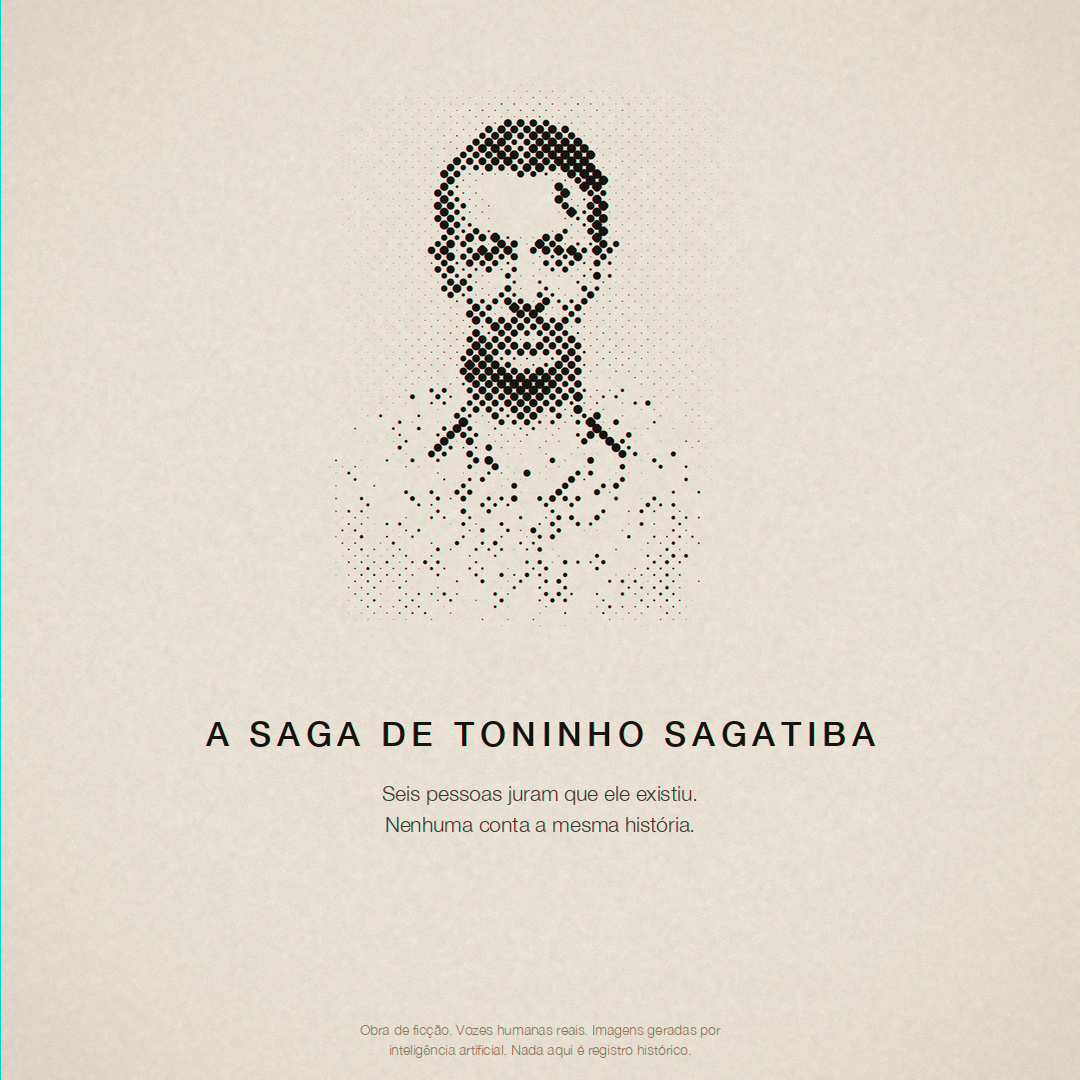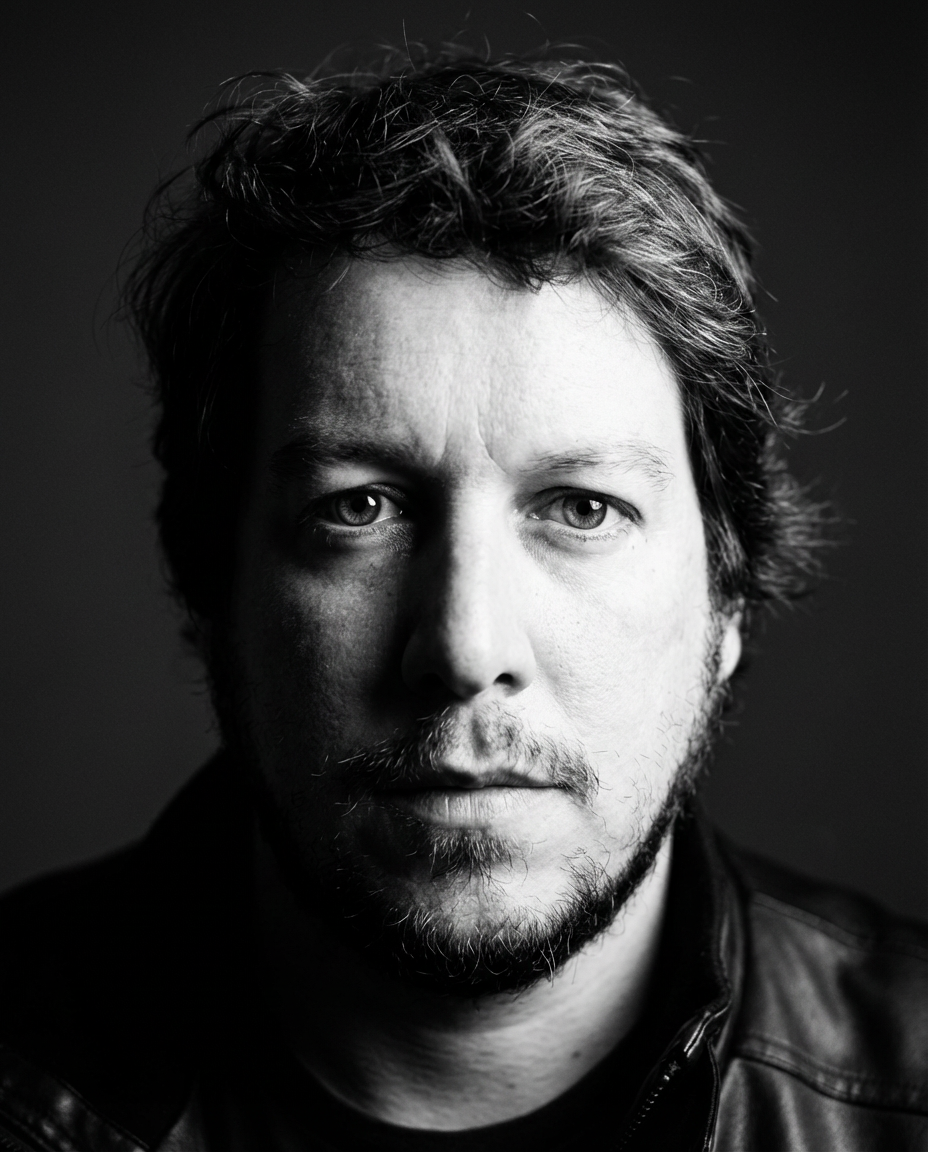
In September 2026, I put the reference and prompt lessons from A Saga de Toninho Sagatiba into a skill called Seedance Lab. I had used Claude with Higgsfield to turn characters from my improvised WhatsApp recordings into scenes. Keeping the same person recognizable across those scenes required decisions I could inspect and repeat.
This tutorial is a small exercise based on that production. The images are actual development assets; the teaching prompt below is a new example. It is not a transcript of a successful generation, and I have not run a new video test for this article. The broader story, including the original voice performances, is in the Toninho production account.
Continuity is familiar work in filmmaking: a shirt, a hand holding an object, a person's position relative to a doorway. With generated footage, I need to describe those choices and retain the references that show them. Otherwise a correction can quietly change the shot I wanted.
Start with one character and one shot
For a first exercise, choose a short listening shot. Leave dialogue and complicated object handling for later. Write down who is present, where they sit, where they look and what changes during the shot. A person listening off camera gives you something useful to judge without asking the model to solve the entire film.
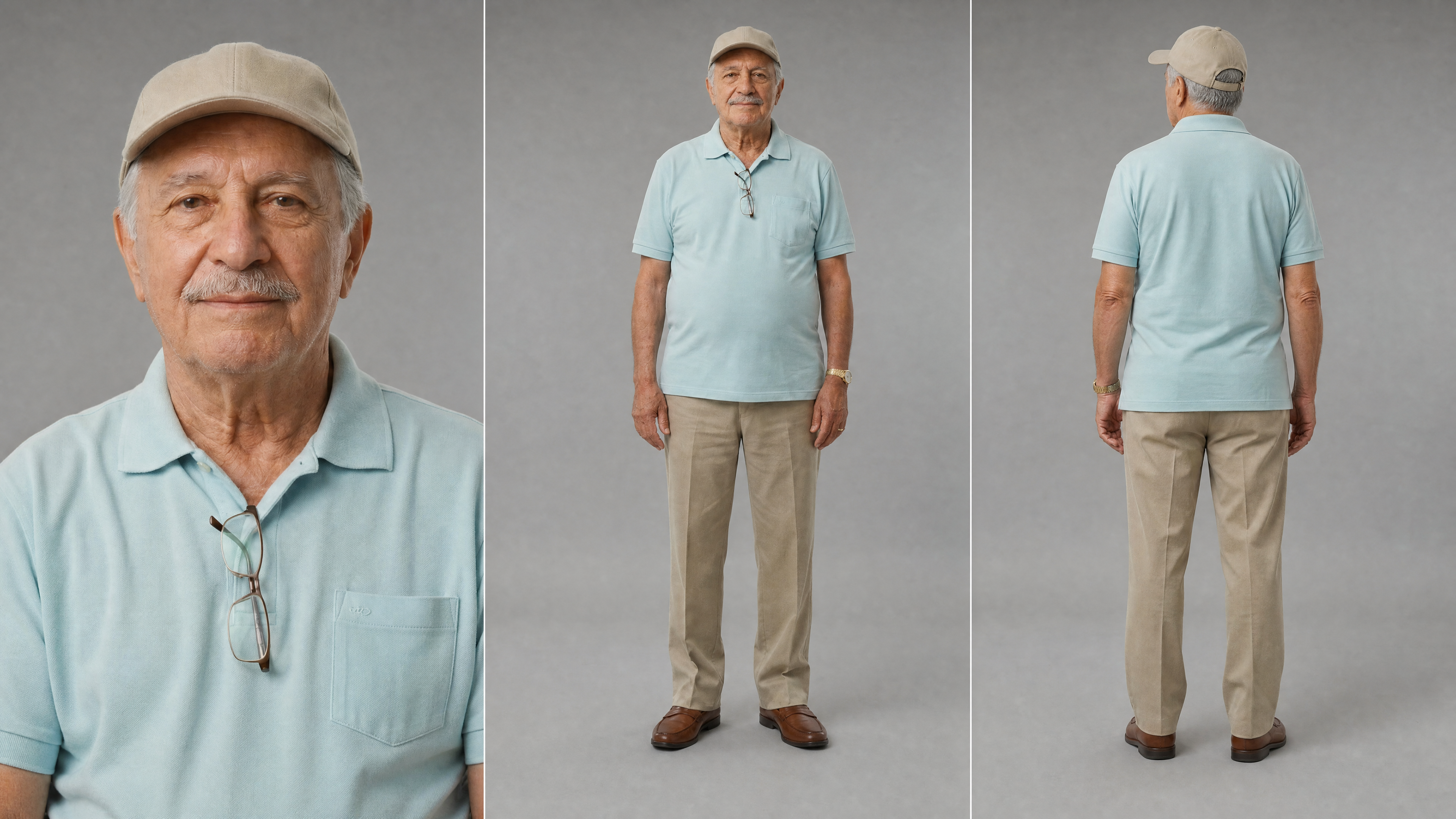
Bianchi's production sheet fixes a light-blue polo shirt, a beige cap, khaki trousers, brown shoes and a gold wristwatch. Its close portrait and front and back views make those choices visible. Compare the generated frame with the sheet instead of trying to remember whether the face feels approximately right.

Choose references that agree with one another. If one image shows different clothes, say which image controls the wardrobe, or prepare a corrected reference first. My production notes record a written description contradicting an image and producing another person. Adding more description without resolving that contradiction gave the model competing instructions.
Connect the tool, then prepare the materials
The connection and the skill have different jobs. The connection lets the agent reach Higgsfield; the skill helps organize what you ask it to do. Downloading a prompt file does not connect an account or supply generation credits.
Higgsfield's official connection guide currently describes a custom connector for Claude web and Desktop, and a CLI route for Claude Code. Follow the instructions for the application you actually use. My original project account describes the MCP workflow; the later full Seedance Lab package also contains CLI helpers. They are different ways of reaching the platform.
MAKE YOUR OWN SCENE
Try the platform I used for Toninho
I used Higgsfield to develop characters and generate scenes for this project. If you want to try this workflow, explore the platform and its plans through my link.
Affiliate link: I may earn a commission if you purchase through this link. Your purchase can also help support Open Your AIs.
Once connected, ask the agent to inspect your character sheet and location reference and summarize their roles. Check that summary before asking for a generation. The model options, reference inputs and estimated cost should be confirmed for the selected mode. This exercise does not depend on a fixed price or a claimed maximum number of attachments.
Approve the frame before animation
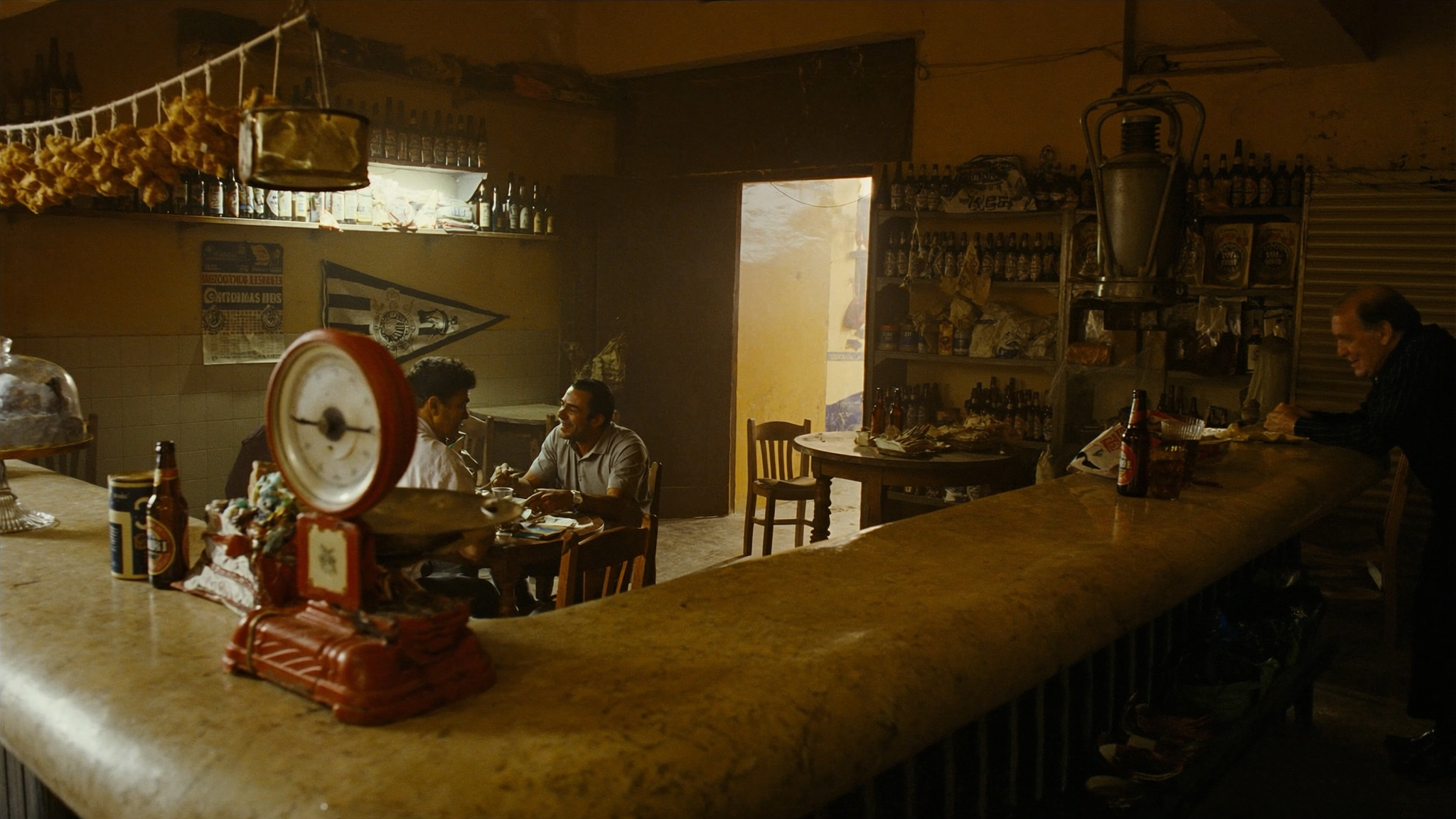
The bar reference used in Toninho establishes a counter, tables and a bright opening behind the room. Those relationships matter when placing a person. A new image of a similar bar may move the doorway or replace the counter, leaving the next shot in a different room.
Use the existing location reference to prepare the intended scene frame. Inspect it at a useful size. Compare the face and clothing with the character sheet. Look at the hands and any objects near them. Decide whether the eye-line belongs to someone listening to another person or addressing the viewer.
The Toninho notes describe an unwanted look into the lens carrying into animation. That is a reason to correct the starting frame before spending on another moving shot. A prompt asking someone to look elsewhere cannot establish that the actual result obeyed.
Keep the intended composition while correcting identity. If the scene needs someone entering from a distance, replacing it with a close-up changes the scene. Better identity control is useful only if it preserves the directing decision.
A prompt you can adapt
This example is for a silent listening shot with an approved starting image. Replace the bracketed text and attach the corresponding materials through the selected mode's supported inputs. The instructions express a target; inspect the result to find out what held.
Prepare one continuous listening shot.

References:
- Starting frame: [approved scene image].
- Character identity and wardrobe: [character sheet].
- Room layout: [location reference].

[Character] sits at [position], listening to someone off camera.
Keep the eye-line established in the starting frame.
The character breathes and makes one small head movement.
No dialogue is needed for this exercise.

Preserve the face, clothing and accessories in the character sheet.
Keep the furniture and doorway in the same positions.
Keep the camera at the approved height and shot size.
Do not introduce a cut, a zoom or a new prop.

Before generating, show me the selected mode, supported reference
inputs, duration and estimated cost. Wait for my approval.
The first comparison should be simple: starting frame beside the result. Then scrub through the clip. A convincing first frame can hide a face or accessory changing later. Save a note describing the earliest visible failure, rather than a general verdict that the whole thing is bad.
Diagnose before rewriting everything
- The wardrobe is wrong from the start: compare the source images and resolve conflicting clothes before changing the video prompt.
- The face changes during the shot: check whether the starting face is clear and whether the intended identity reference was actually attached.
- The room changes: compare the doorway and furniture against the location reference. Reuse the approved environment.
- An object changes hands: inspect its starting position and describe the intended action. Simplify the exercise if that action is unnecessary.
- The same defect returns: inspect the source asset at full size. A repeated prompt can keep reproducing a defect already present in the image.
These are investigation steps drawn from the project and the skill, not guarantees about every Seedance generation. Change one relevant input and compare again. Keeping the previous version makes it possible to notice when a correction fixed one thing and damaged another.
When you add dialogue, listen to the actual output against the source recording. My notes describe transcription normalizing a mispronounced word into the expected spelling. A matching transcript alone does not establish that the performance survived.
Download the exercise kit
The free Seedance Lab starter kit contains a short skill, the teaching prompt and a review checklist. It is an English teaching edition adapted from my production method. It excludes the full package's generation scripts and the other authors' skills. Reading it or asking an agent to draft a prompt does not launch a generation.
Unzip it, open the README and give the SKILL.md file to your agent with your own references. Start by asking for a proposed frame and a list of unresolved choices. The useful output of this first exercise is one shot you can explain: which references it used, what failed, and why you accepted the version you kept.